
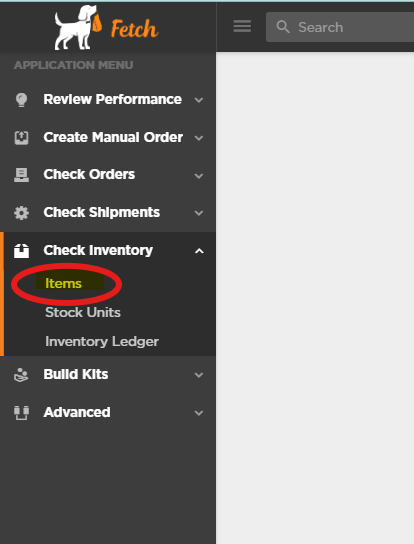
How to: See your inventory
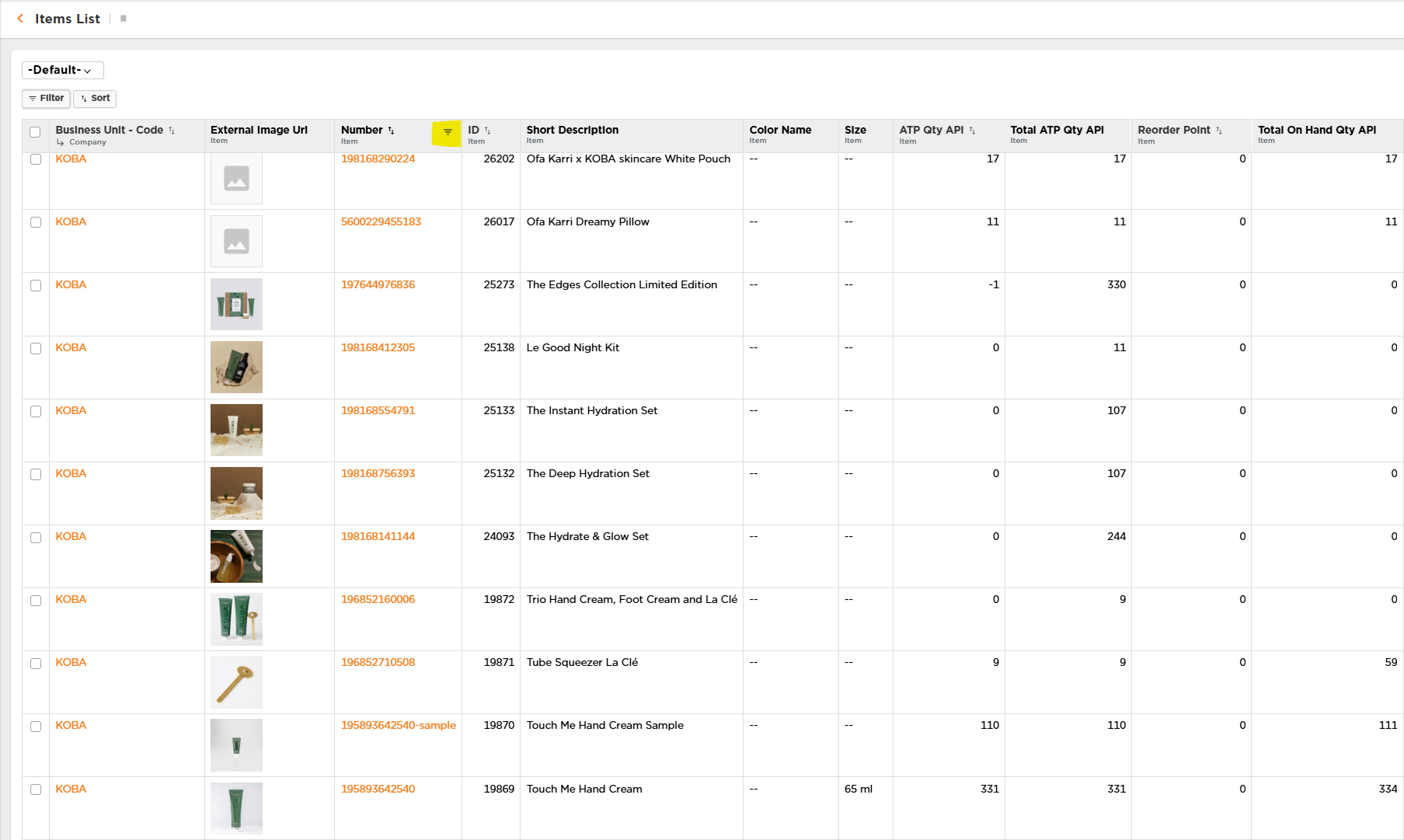
After clicking on the “Items” link, you will see the following page display with the first 100 items. You can either scroll through the list to find the item(s) you are looking for, or search for a particular item. To search / filter the list, click the down arrow next to the Item - Number field. This will open a filter-search window. The current inventory count can be found in the column labeled “Total On Hand Qty API”