
How to: Check order status
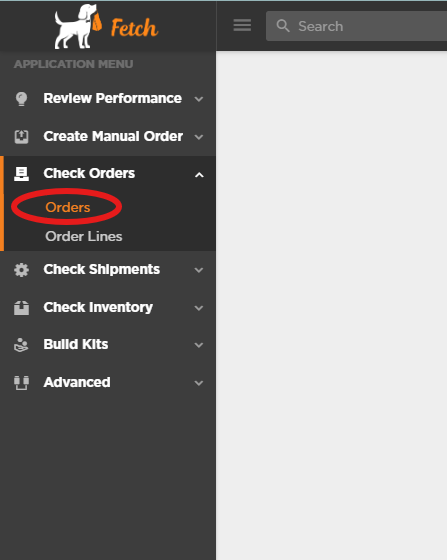
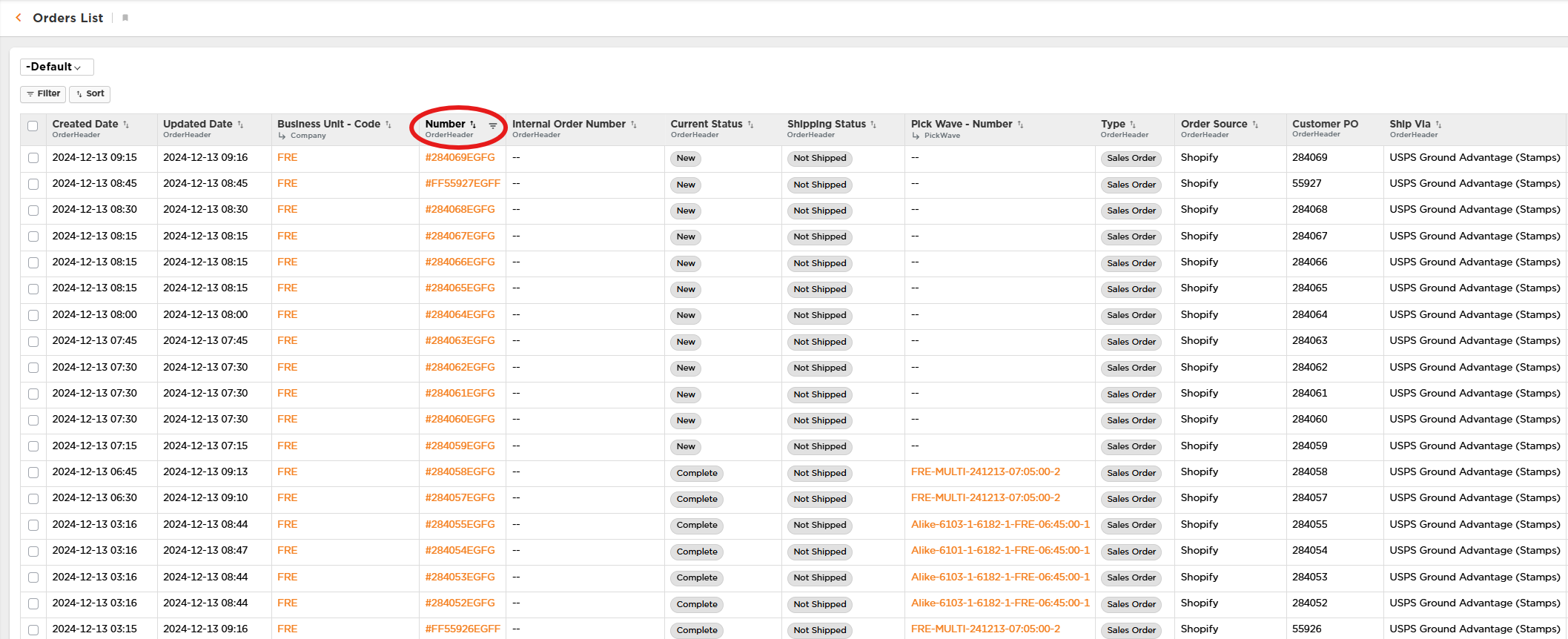
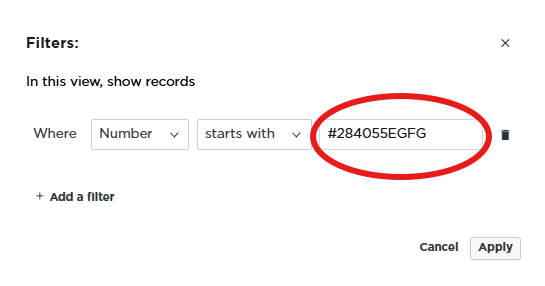
After clicking on the “Orders” link, you will see the following page display with the most recent 100 orders. You can either scroll through the list to find the order(s) you are looking for, or search for a particular order. To search / filter the list, click the down arrow next to the Orderheader - Number field. This will open a filter-search window.
Type the Order Number(s) you are seaching for in the input box, and click “Apply”. If you want to search for multiple orders, you can put multiple order numbers in the input box, seperated by a comma “,” such as: #284065EGFG,#284055EGFG
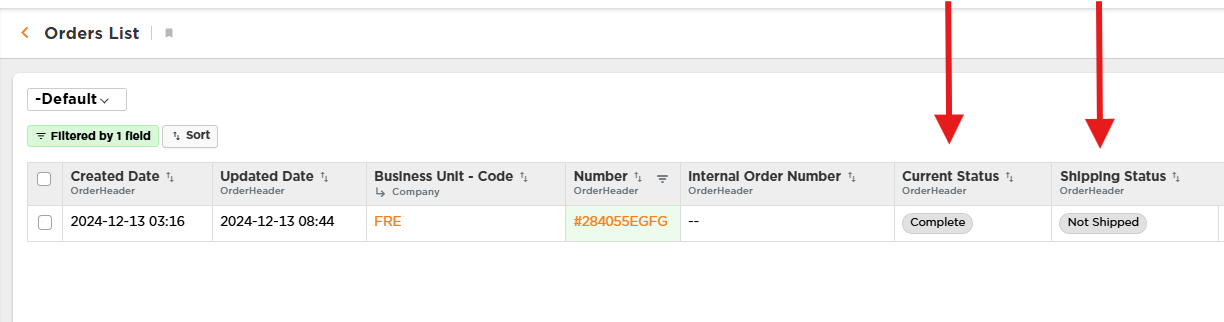
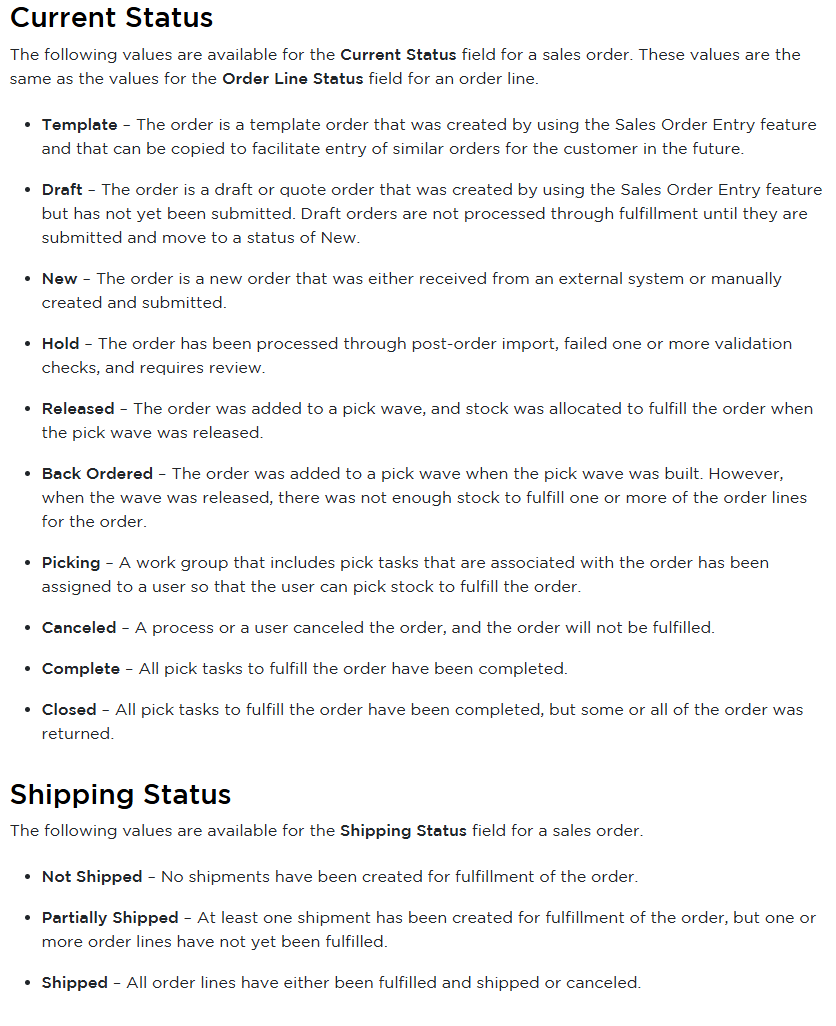
The result will show just the order(s) you specified in the search window. The OrderHeader - Current Status and the OrderHeader - Shipping Status fields provide information about your order.