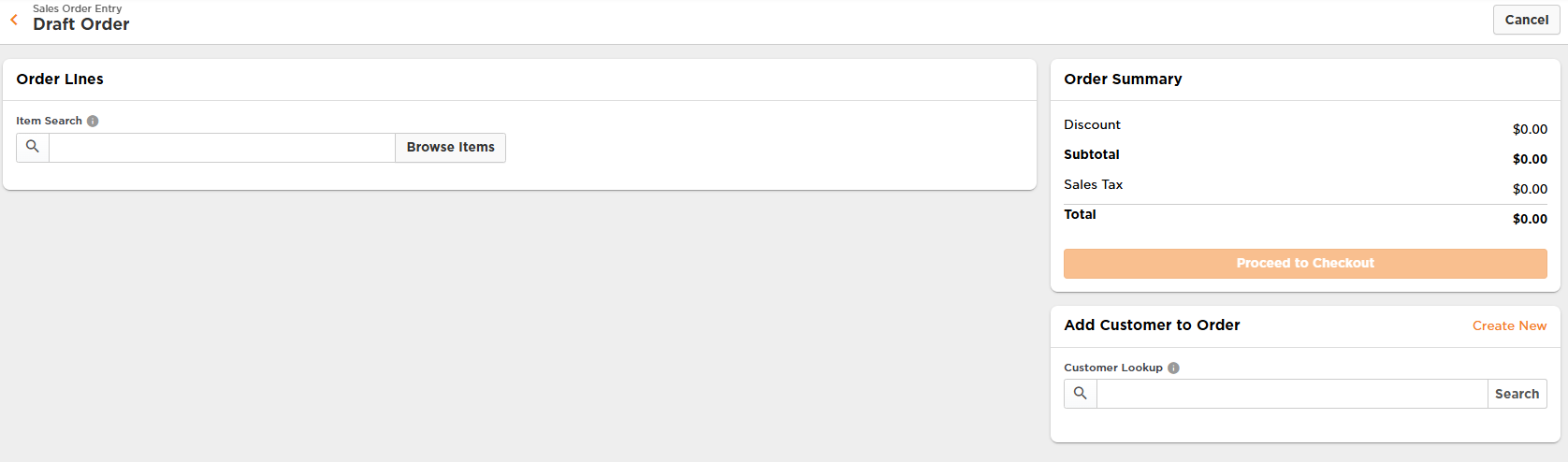

How to: Manually enter an order
Manual entry of a sales order is available if you need to operate outside of your standard eCommerce platform (i.e. Shopify). Below are instructions on how to enter an order manually in the Deposco system.
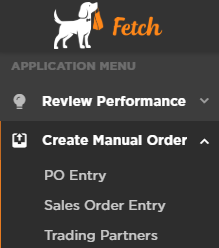
- Go to “Create Manual Order”
- Click on “Sales Order Entry”
- In the upper right hand corner of the screen click on “New Sales Order”

- Begin entering information.