

How to: Tell Fetch about incoming inventory
We call them POs, You may call them Advanced Shipment Notices (ASN)
Regardless of the term you use, it’s beneficial (and required) to alert Fetch to goods coming in advance of their arrival on our dock.
The Deposco system can accept Purchase Orders that are directly entered into the system by you. It can also accept an upload of a .csv file by the Fetch staff. On this page we will address both.
Manual Entry
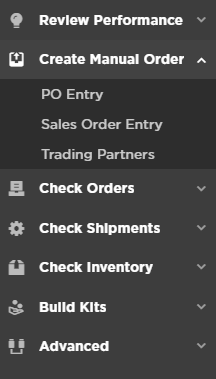
- Select PO Entry.
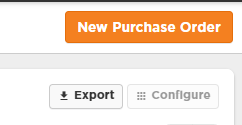
- Click on New Purchase Order.
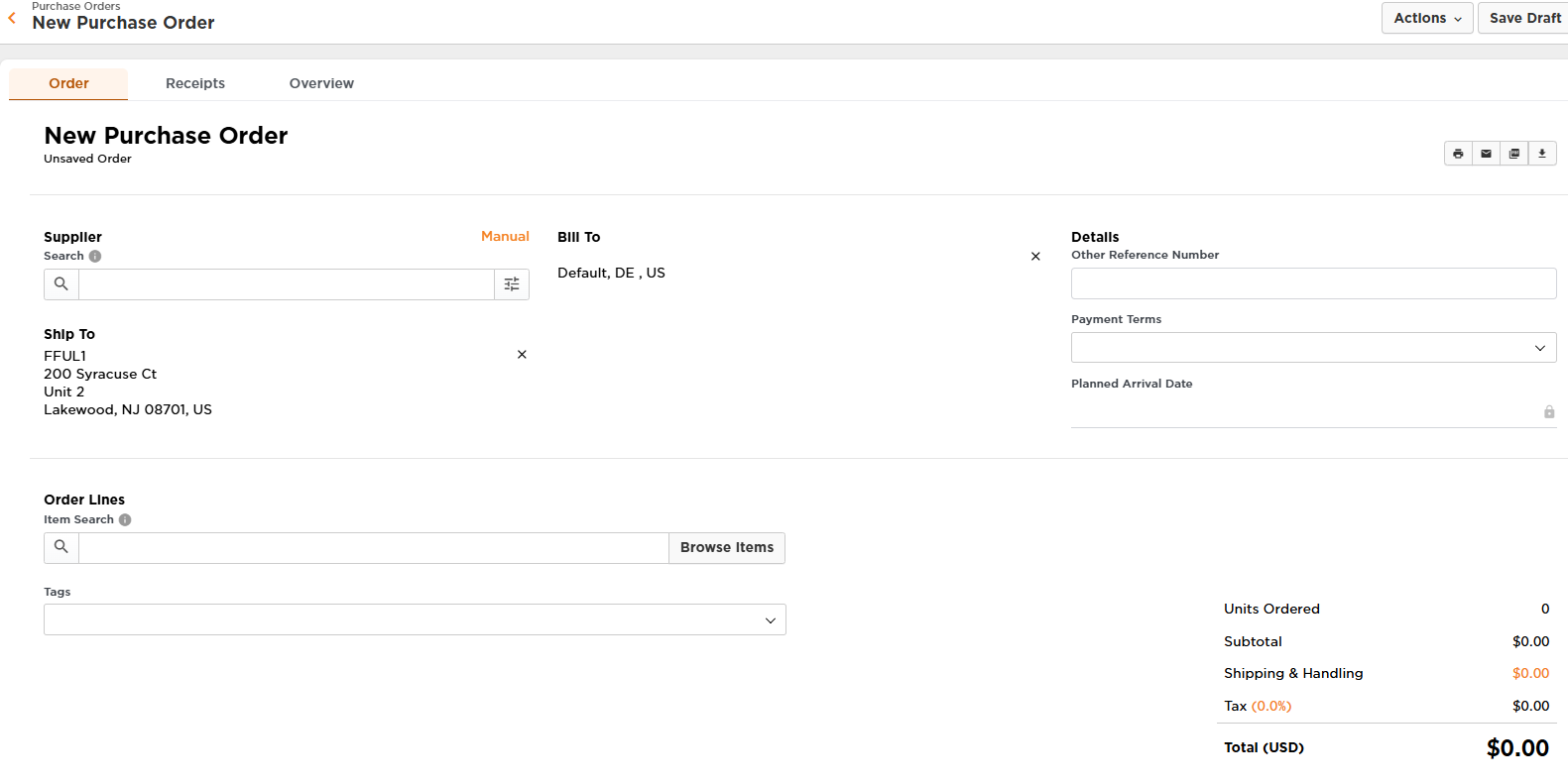
- Fill out the fields with as much information as you have.
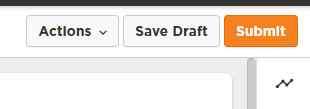
- Submit the PO.
PO submitted to Fetch on a .csv file
- Access the .csv file. These are the only pieces of information we need. A link to the .csv can be found below the spreadsheet image.

- Submit the file to orders@gofetchfulfillment.com. We will upload it into Deposco.